What Is an AI Copilot?
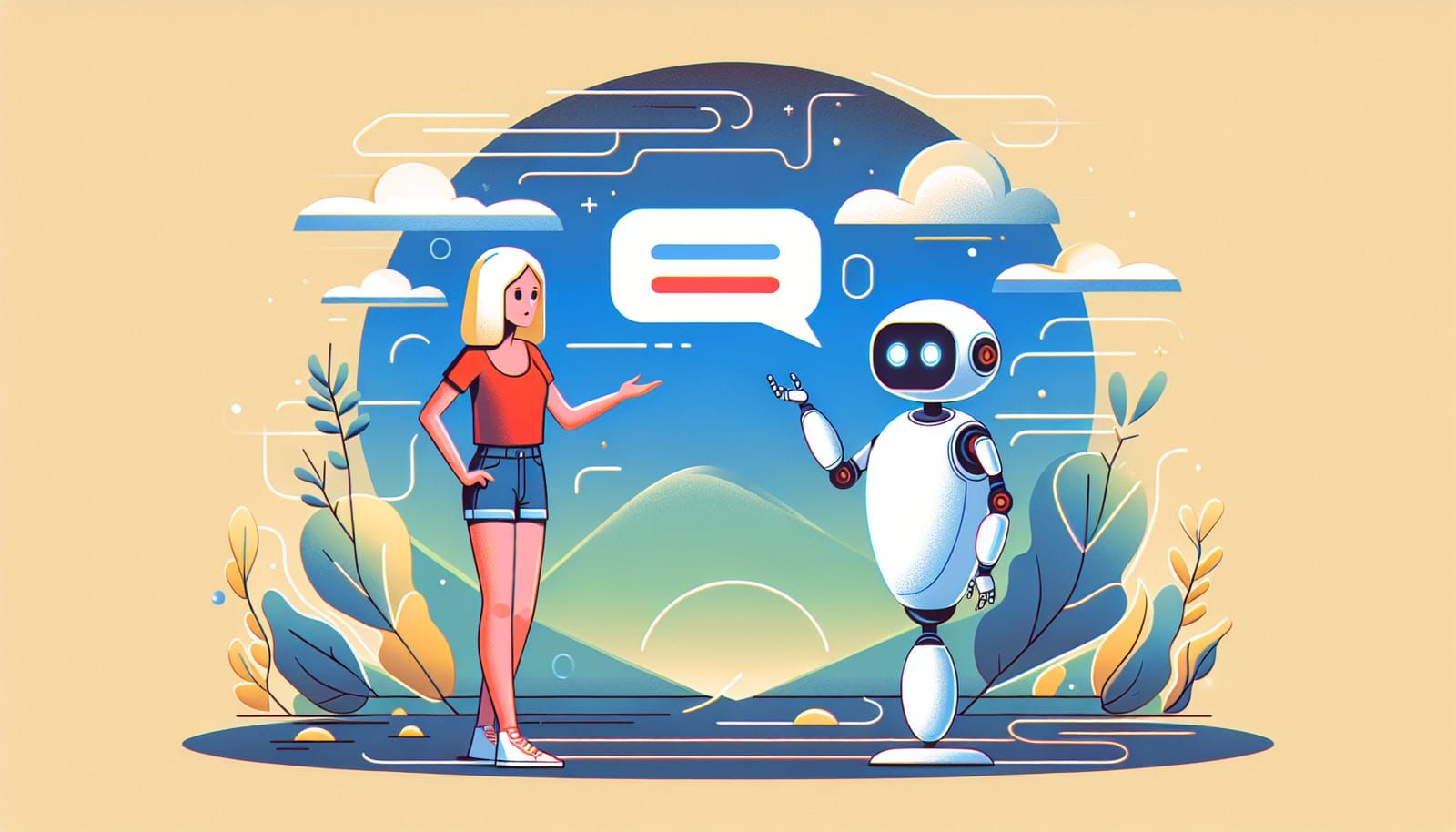
An AI copilot is a smart digital helper that works alongside you while you use an app, website, computer, or device. It is called a “copilot” because it is not meant to replace the human “pilot”—you. Instead, it helps you think, write, search, organize, create, and make decisions faster.
Imagine you are flying a plane. The pilot is in charge, but the copilot helps read instruments, check maps, watch for problems, and suggest what to do next. An AI copilot works in a similar way, but for everyday digital tasks.
For example, an AI copilot might help you:
- Write an email
- Summarize a long document
- Create a presentation
- Explain a confusing topic
- Find information inside a company’s files
- Suggest code for a programmer
- Help a doctor organize medical notes
- Help a student study for a test
- Turn a rough idea into a plan
The main idea is simple: an AI copilot is software that helps people do things more easily using artificial intelligence.
It does not have feelings, opinions, or real understanding like a human. But it can recognize patterns in language, images, data, and instructions. Because of that, it can respond in surprisingly useful ways.
Why Is Everyone Talking About AI Copilots?
AI copilots have become popular because artificial intelligence has become much better at understanding and generating language. In the past, most software waited for you to click buttons or type exact commands. Today, AI-powered tools can often understand normal human instructions like:
“Make this paragraph shorter.”
“Explain this like I’m 10 years old.”
“Find the most important numbers in this spreadsheet.”
“Help me plan a birthday party with a science theme.”
This is a big change. Instead of learning complicated menus and settings, people can simply ask for help in plain language.
That makes technology feel more natural. It also makes powerful tools easier for more people to use.
A graphic designer might use an AI copilot to brainstorm image ideas. A teacher might use one to create quiz questions. A small business owner might use one to write product descriptions. A child might use one to understand why the sky is blue.
The excitement comes from this: AI copilots can make difficult tasks feel more approachable.
How Does an AI Copilot Work?
At the center of many AI copilots is a type of AI called a large language model, often shortened to LLM. This is a computer system trained on huge amounts of text so it can learn patterns in language.
It learns things like:
- Which words often appear together
- How questions and answers are structured
- How different writing styles sound
- How instructions are usually followed
- How to summarize, translate, or explain text
When you ask an AI copilot a question, it does not “think” exactly like a human. It predicts what response is likely to be helpful based on patterns it learned during training and any information the tool is allowed to access.
Some AI copilots are connected to extra tools. For example, they may be able to:
- Search the web
- Read documents you upload
- Use a calculator
- Look through your calendar
- Analyze spreadsheets
- Create images
- Help write computer code
This is why different AI copilots can do different things. One copilot may be built for writing. Another may be built for customer service. Another may be built into a coding app. Another may help you shop online.
Think of the AI model as the “brain-like engine,” and the copilot as the full helper built around it.
Why Are Companies Adding AI Copilots to Everything?
Many companies are adding AI copilots because they can make software easier, faster, and more useful.
For years, apps have become more powerful—but also more complicated. A word processor may have hundreds of buttons. A spreadsheet program may include formulas that many people never learn. A business tool may have so many menus that new users feel lost.
An AI copilot can act like a friendly guide inside the software.
Instead of searching through menus, you might type:
“Make a chart showing sales by month.”
Or:
“Find messages from last week about the project deadline.”
Or:
“Turn these notes into a professional report.”
This helps users get more value from tools they already have.
Companies also see AI copilots as a way to save time. If workers spend less time formatting documents, searching for information, or repeating simple tasks, they can spend more time solving problems, helping customers, and being creative.
That is why AI copilots are appearing in email apps, office software, design tools, customer support systems, search engines, shopping websites, phones, and even cars.
AI Copilots Are Not Just for Experts
One of the most exciting things about AI copilots is that they are not only for programmers, scientists, or technology experts.
A good AI copilot can help almost anyone.
If you are a student, it can help explain homework topics in simpler words. If you are a parent, it can help plan meals or organize a family schedule. If you are an artist, it can suggest creative directions. If you are starting a business, it can help write a first draft of a marketing plan.
This matters because AI can lower the “entry barrier” to many activities. In other words, it can help people try things that once seemed too hard.
For example, someone who is nervous about writing might use an AI copilot to organize their ideas. Someone who does not know how to use spreadsheets might ask an AI copilot to explain a formula. Someone learning a new language might practice conversations with an AI assistant.
The best way to understand an AI copilot is not as a magic machine, but as a patient helper. You can ask the same question in different ways. You can request simpler explanations. You can ask for examples. You can say, “Try again, but make it friendlier.”
That flexibility is a big part of the appeal.
What Can AI Copilots Actually Do?
AI copilots are useful because they can help with many different types of tasks. Here are some common examples.
Writing and editing: AI copilots can help draft emails, improve grammar, make text shorter, change tone, or organize ideas. They can help turn messy notes into clear paragraphs.
Learning and explaining: They can explain topics like gravity, fractions, history, or computer science in simple language. You can ask for analogies, examples, or step-by-step instructions.
Summarizing: They can take a long article, meeting transcript, or report and pull out the key points. This is especially helpful when people are busy.
Brainstorming: They can suggest names, story ideas, project plans, questions, recipes, activities, or design concepts.
Coding: For software developers, AI copilots can suggest code, explain errors, write simple functions, and help understand unfamiliar programming languages.
Data help: In some tools, AI copilots can analyze tables, create charts, find trends, or explain what numbers might mean.
Customer support: Businesses use AI copilots to help answer common customer questions, draft responses, and guide support teams.
Accessibility: AI copilots can help people interact with technology in easier ways, such as summarizing text, reading information aloud, or helping turn speech into writing.
What AI Copilots Cannot Do
AI copilots are powerful, but they are not perfect. It is important to understand their limits.
First, AI copilots can make mistakes. Sometimes they give information that sounds confident but is wrong. This is often called a “hallucination.” It does not mean the AI is imagining things like a person would. It means the system generated an incorrect or unsupported answer.
Second, AI copilots may not know the latest information unless they are connected to up-to-date sources. If the tool cannot browse the web or access current data, it may be missing recent facts.
Third, AI copilots do not truly understand life the way humans do. They do not have personal experience, wisdom, values, or emotions. They can imitate helpful conversation, but they are still software.
Fourth, AI copilots should not replace expert advice in important areas. For medical, legal, financial, or safety decisions, people should check with qualified professionals.
Finally, privacy matters. Users should be careful about sharing sensitive information, such as passwords, private documents, health details, or financial records, unless they understand how the tool handles data.
A useful rule is: trust AI as a helper, not as the final authority.
The Human Is Still the Pilot
The most important part of the phrase “AI copilot” is not “AI.” It is “copilot.”
A copilot helps, but the pilot remains responsible. That means humans should guide the AI, check its work, and decide what to use.
This is actually good news. AI copilots are most powerful when combined with human judgment, creativity, and kindness.
For example, an AI copilot can help write a birthday message, but you know the person receiving it. You can add the memory, joke, or loving detail that makes it special.
An AI copilot can suggest a study plan, but you know your energy level and schedule.
An AI copilot can summarize a news article, but you can think critically about the source and meaning.
The future of AI is not just machines doing everything for us. A more exciting future is people using AI to become more capable.
AI can help with the boring parts, the confusing parts, and the first-draft parts—so humans can focus more on imagination, connection, problem-solving, and purpose.
How to Use an AI Copilot Well
Using an AI copilot is a skill, and the good news is that it is easy to practice.
The better your request, the better the answer usually is. Instead of typing one vague word, try giving clear instructions.
For example, instead of:
“Dogs.”
Try:
“Explain how to take care of a dog in simple steps for a first-time pet owner.”
Instead of:
“Write email.”
Try:
“Write a polite email asking my teacher for more time on an assignment because I was sick. Keep it short and respectful.”
You can also tell the AI copilot what style you want:
- “Explain it like I’m 8 years old.”
- “Make it sound friendly.”
- “Give me a step-by-step list.”
- “Use simple words.”
- “Make it shorter.”
- “Give me three options.”
If the first answer is not right, you can continue the conversation. Say what you want changed. AI copilots often work best when you treat the process like teamwork.
Why AI Copilots Could Change Everyday Life
AI copilots may become as normal as search engines, spell checkers, or maps on a phone.
Think about how GPS changed travel. Before GPS, people often needed paper maps or memorized directions. GPS did not make people stop traveling—it helped them travel with more confidence.
AI copilots could do something similar for thinking and creating. They can help people begin, explore, and improve.
A person with a business idea can quickly make a simple plan. A student who feels stuck can get a new explanation. A worker facing a long report can get a summary. A creator can test ideas faster. A curious child can ask endless questions.
Of course, society will need to use AI carefully. Schools, companies, governments, and families will need thoughtful rules about honesty, privacy, fairness, and safety. People will need to learn when to use AI and when not to use it.
But used wisely, AI copilots can be empowering. They can help more people participate in learning, building, writing, designing, and solving problems.
The Big Picture
An AI copilot is a digital assistant designed to work with you. It can write, summarize, explain, organize, brainstorm, and help with many everyday tasks. Companies are adding AI copilots because they make software easier to use and can save people time.
But an AI copilot is not a human, not a mind reader, and not always correct. It is a tool. A very powerful tool—but still a tool.
The best way to think about it is this:
You bring the goals, judgment, creativity, and heart. The AI copilot brings speed, suggestions, and support.
Together, that can be a remarkable team.
AI copilots are becoming popular because they make technology feel less like a maze and more like a conversation. And for people of all ages, that opens a door to learning more, creating more, and trying things that once felt out of reach.